Every color on your screen. One shortcut away.
Press ⌃⌥C and pick.Try it here. Click or tap any color to pick it.
macOS 14 or later. Free. Signed and notarized by Apple.
How it works
Pick. Collect. Make.
01 Pick
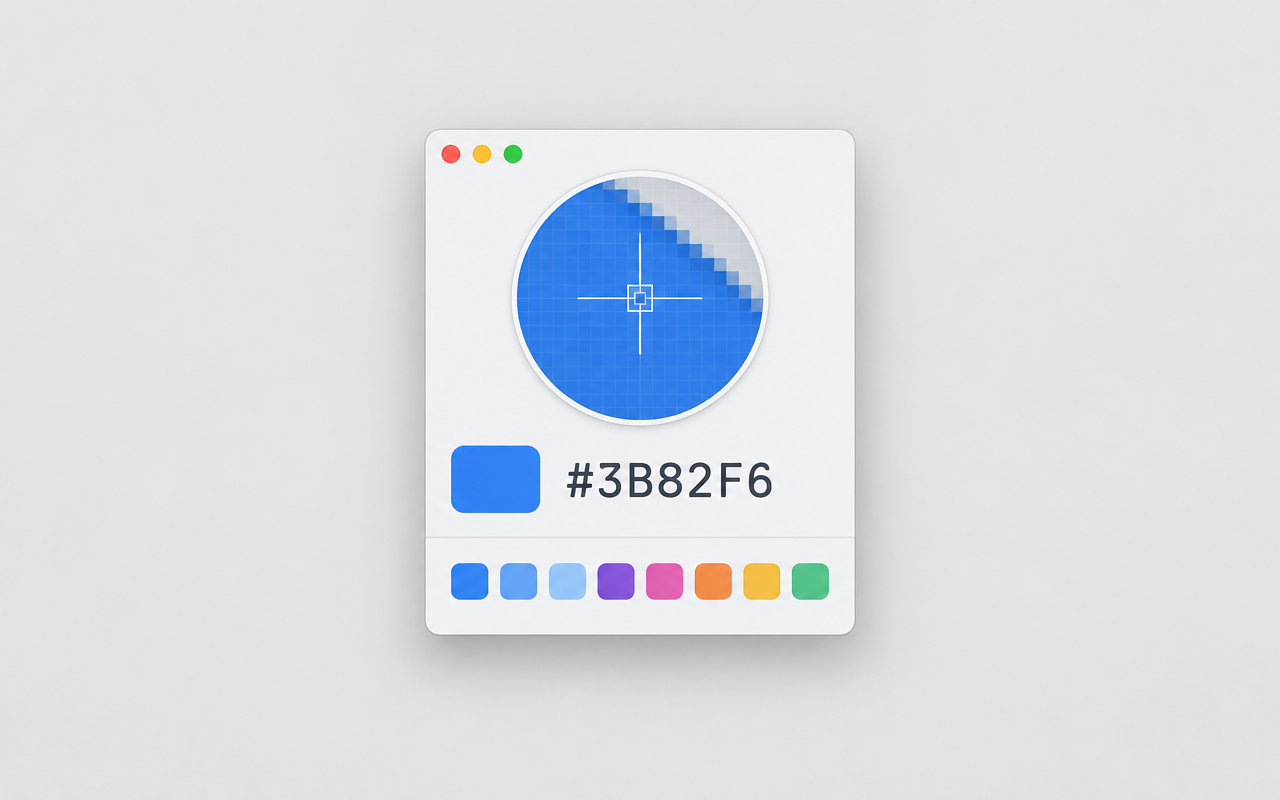
Pick from anywhere on screen.
The menu bar panel opens on ⌃⌥C. Click any pixel in any app.
02 Collect
Drop it on a mood board.
Your picks sit next to your reference photos, and the board's palette updates as you go.
03 Make
Turn the board into a theme.
Make Theme offers four finished themes, each easy to read in light and dark.
#E07A5F
Mood board · Coastal studio
Make Theme · four results
Field notes
Small studio, careful work.
Field notes
Small studio, careful work.
Field notes
Small studio, careful work.
Field notes
Small studio, careful work.
Palette Studio · ⇧⌘G
Lock the colors you love. Press Space for the rest.
Every roll includes a light and a dark color that pass WCAG AA together. Tap the colors on a phone to roll.
Color Wheel
A wheel that tells the truth.
The gray row is how light each color looks to your eye. On HSL, watch it jump.
Contrast Checker
Can people read it?
Hard to read
- WCAG 2
- 2.13:1
- APCA
- Lc 39.0
Fix keeps the hue and moves lightness only.
The tide comes in at six.
Body text is where contrast matters most. People read it for minutes, on bright screens and dim ones, with tired eyes.
Small print. Terms apply to the tide only.
Book a tableValue Study
See the values, not the colors.
Processed in your browser. Nothing is uploaded.
Color Vision · ⌃⌥V
About 1 in 12 men see red and green differently.
Deuteranopia
100%
Simulated with the Machado 2009 model. Stand-in interface until the app screenshot is in place.
From a website · ⇧⌘U
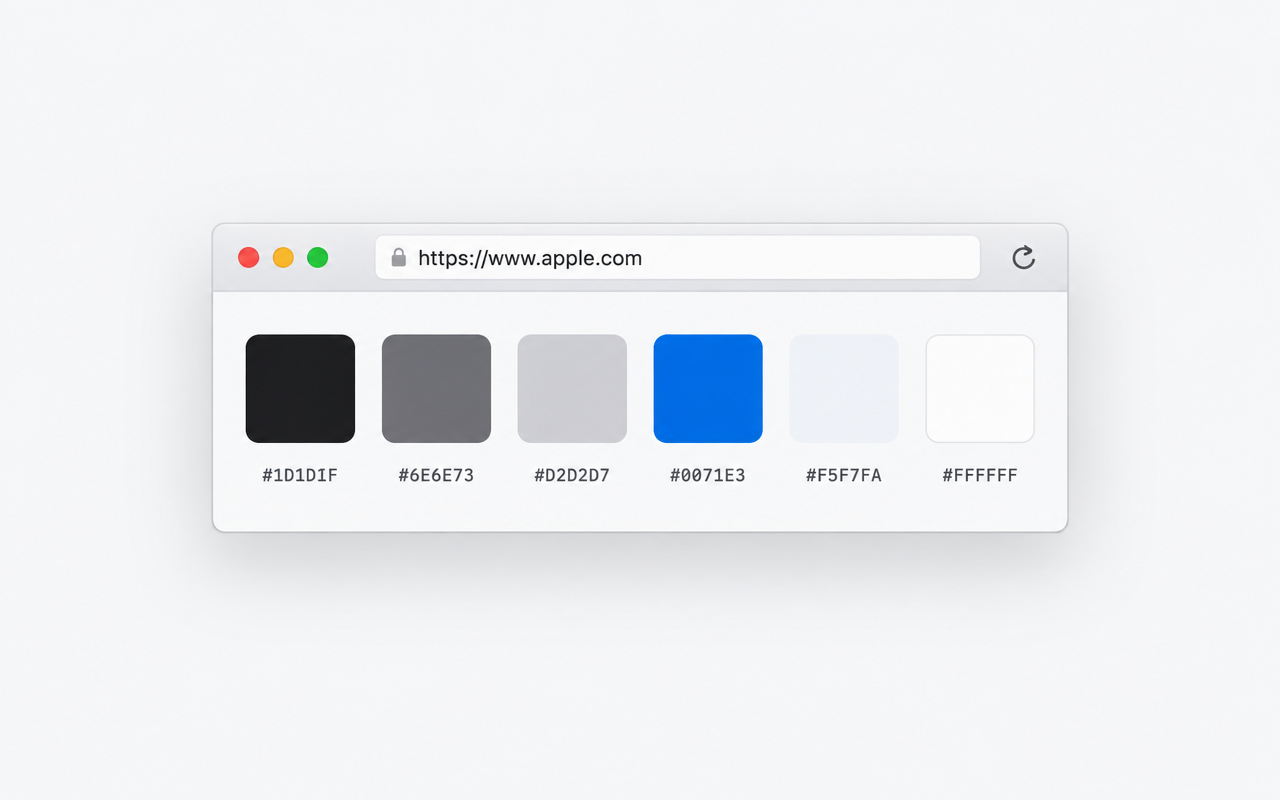
Paste an address. Get its colors.
Floating palette · ⌃⌥P
Your palette, floating over your work.

Export
Export to whatever you build with.
@import "tailwindcss";

@theme {
  --color-color-1: oklch(44.1% 0.0556 173.2);
  --color-color-2: oklch(68.8% 0.1331 35.8);
  --color-color-3: oklch(86.4% 0.0889 79);
  --color-color-4: oklch(38% 0.0462 279.1);
  --color-color-5: oklch(95.5% 0.0253 99.5);
}
Keyboard
Everything is a shortcut away.

Your colors, one shortcut away.
Version 0.13.1. macOS 14 or later. Free. Signed and notarized by Apple. What's new
No account. No tracking. Your colors stay on your Mac.